This guide is grounded in a real project: Unity's 2D Platformer Microgame (Unity 6000.5.4f1, URP), given a complete art facelift where the player, the enemy, and the animated props are all Spriterrific-generated — same mechanics, new game.
The player is mango-fox-hero, generated from a text prompt as an east-facing platformer character with run, jump, hurt, death and idle animations. The enemy is violet-spike-slime. Total art spend for the player: 590 credits — anchor plus five video-model animations, less than half the $12 Starter plan's monthly 1,500 credits.
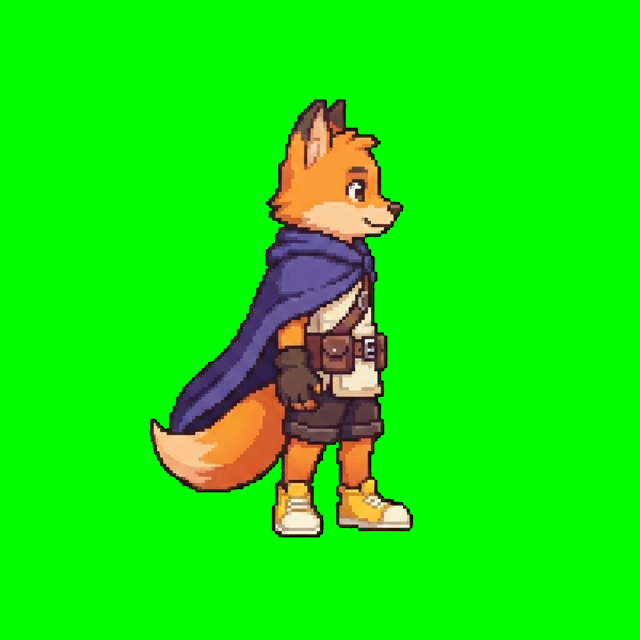
The full action set, straight from the run's GIF previews — one anchor, five consistent animations:
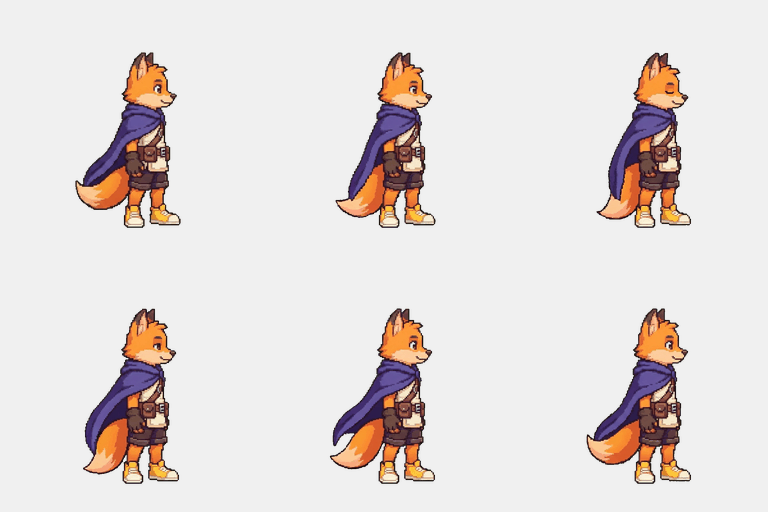
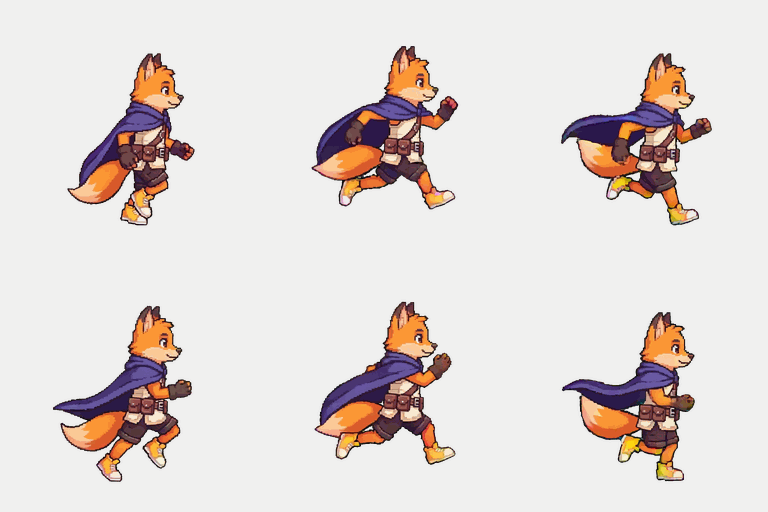
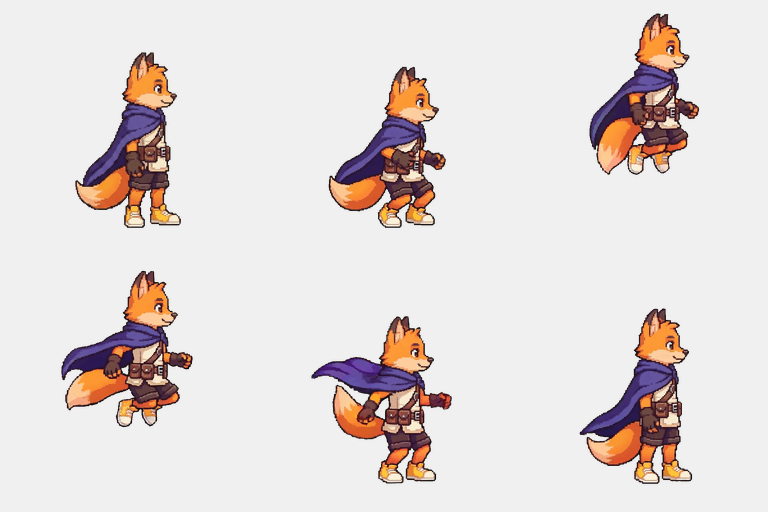
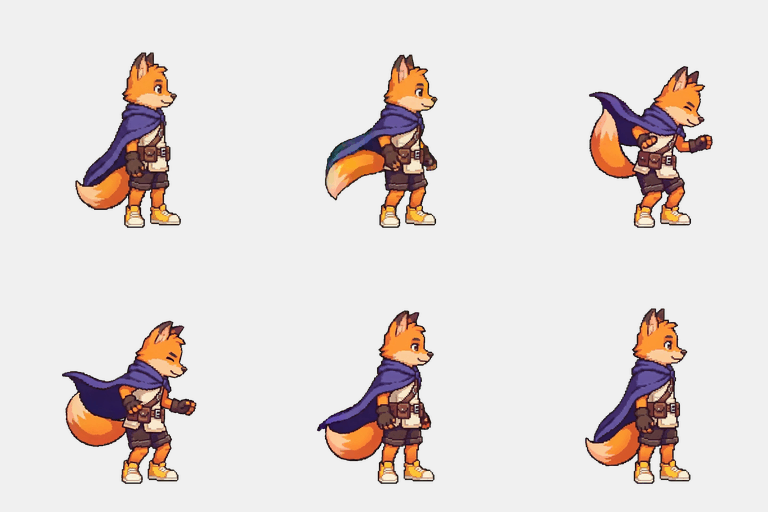
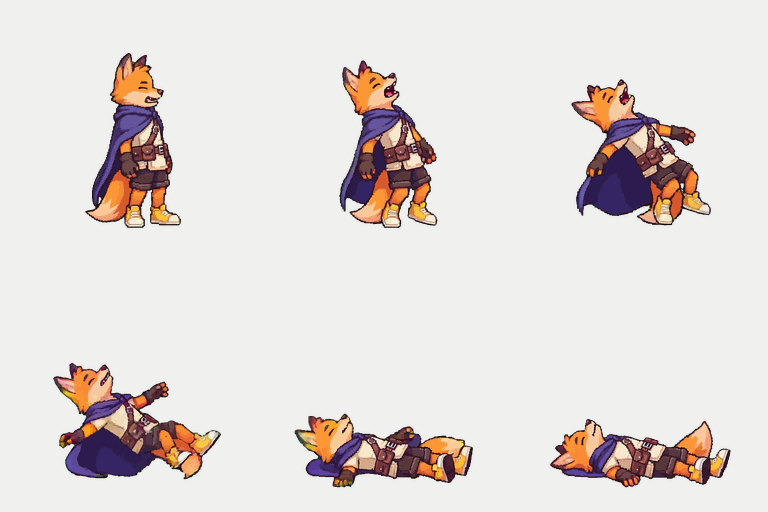
The slime enemy came from the same pipeline — its own anchor, animated with the same action vocabulary:




What a Spriterrific export gives Unity
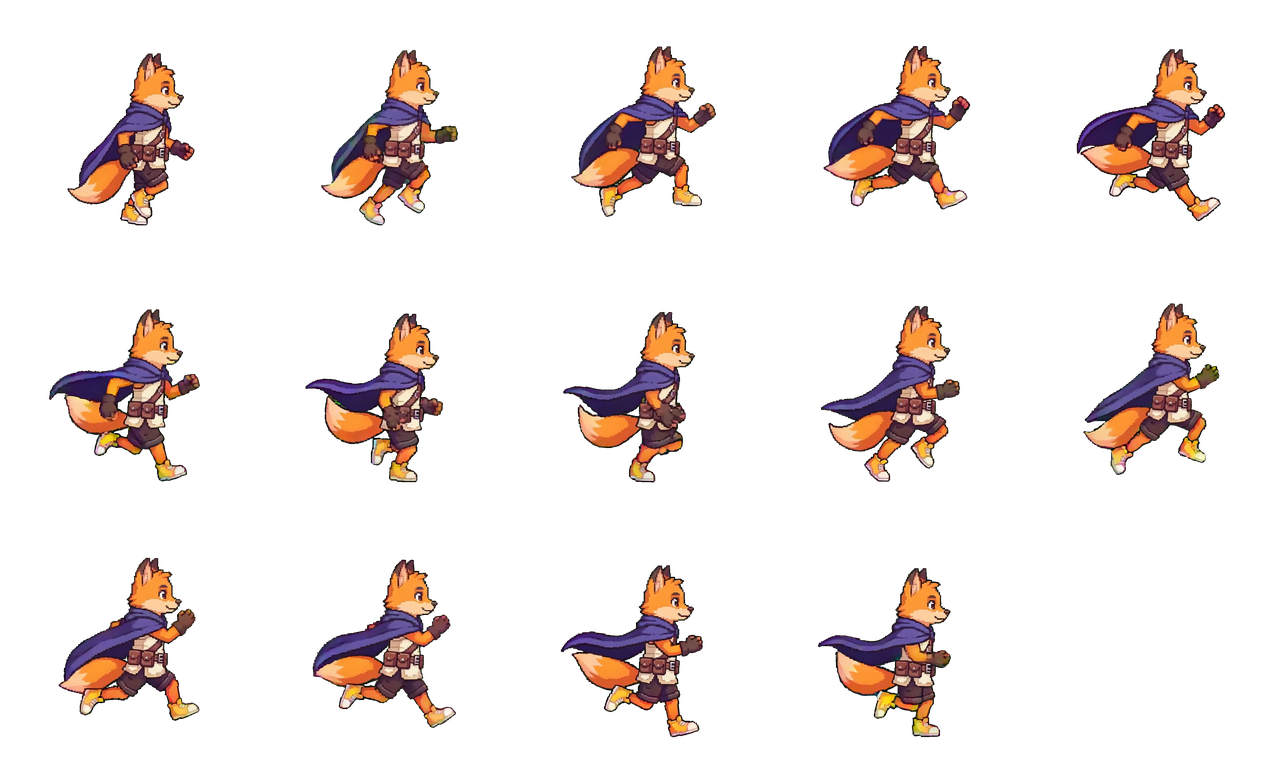
- Transparent PNG sprite sheets, one per animation, frames on a fixed 256×256 grid (a 14-frame run cycle ships as 1280×768 — five columns, three rows).
- A manifest per animation with
frameWidth,columns,frames,fps, and the footanchor— the exact numbers Sprite Editor grid slicing asks for. - A reusable anchor image so later animations (that idle you forgot) stay on-model without regenerating the character.
Import settings that shipped
These are the actual texture import settings from the reference project's player sheets — not guesses:
| Setting | Value | Why |
|---|---|---|
| Texture Type | Sprite (2D and UI) | Standard 2D sprite import |
| Sprite Mode | Multiple | One sheet, many frames |
| Pixels Per Unit | 100 | 256px frames → ~1.26 world-unit character, matching the scene |
| Mesh Type | Full Rect | Predictable quad per frame |
| Filter Mode | Bilinear | Right for high-fidelity mixels output (use Point for pixel-snapped sprites) |
| Mip Maps | Off | 2D sprites don't want mip blur |
| Max Size | 2048 | Fits the largest sheets |
| Pivot | Custom — X 0.5, Y 0 | Feet pivot; see below |
Slice in the Sprite Editor with Grid By Cell Size at 256×256 — taking the number from the manifest, not by eyeballing the sheet.
The pivot is the whole ballgame
The most common integration bug is the character hovering above the ground or sinking into it. The fix that shipped:
- Pivot at the feet. Every sliced sprite uses a Custom pivot at bottom-center (0.5, 0). The manifest's
anchor: { "x": 128, "y": 255 }tells you the contact point is the bottom of the cell. - Content flush to the cell bottom. The reference project keeps a regression check asserting the artwork touches each frame's bottom edge, because transparent padding under the feet reads as levitation. Spriterrific's anchor-aligned packing puts the contact line at the cell bottom; if you re-cut sheets yourself, preserve that.
With feet pivots, your CapsuleCollider2D and ground checks keep working regardless of how tall each animation's silhouette gets.
Animator setup: keep your controller, swap the clips
The facelift reused the Microgame's existing Player.controller — states like Player-Idle, Player-Run, Player-Jump, driven by grounded, velocityX and velocityY parameters. Only the AnimationClips changed: each clip keyframes SpriteRenderer.sprite over the sliced frames at the manifest's fps.
The gameplay code that drives it is untouched, standard Unity:
// PlayerController.cs — animator params drive state transitions
animator.SetBool("grounded", IsGrounded);
animator.SetFloat("velocityX", Mathf.Abs(velocity.x) / maxSpeed);
animator.SetFloat("velocityY", velocity.y);
Feel tuning happened in the Animator, not in regeneration: the 14-frame run clip is authored at 10 fps, and the run state speed multiplier is 1.75 — an effective ~17.5 fps that matches the character's ground speed with two footfalls per cycle. Loop Time stays on for idle/run/walk and off for one-shots (hurt, death), or your death animation will loop cheerfully forever.
Props from the same pipeline
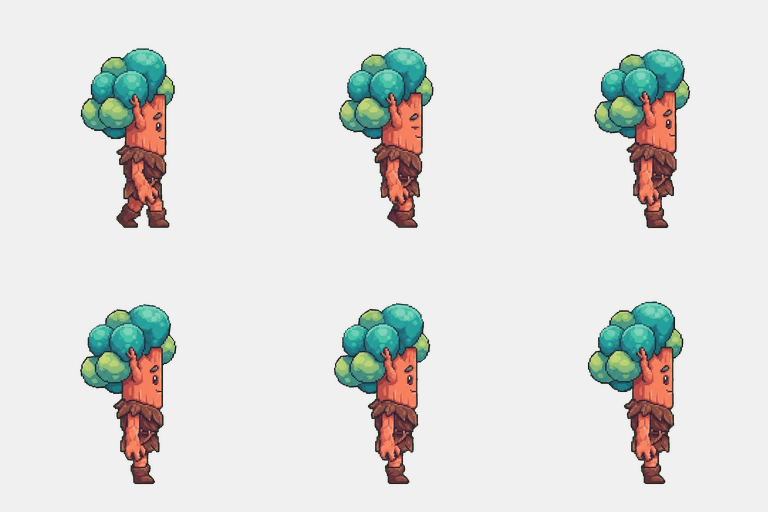
The swaying trees and bushes are Spriterrific characters too — sway-tree-teal and sway-bush-teal, each a one-action idle job. They play through a tiny flipbook script instead of Mecanim:
// SimpleSpriteLoop.cs — 8 fps flipbook for animated props
public Sprite[] frames;
public float framesPerSecond = 8f;

void Update()
{
    if (Time.time < _next) return;
    _index = (_index + 1) % frames.Length;
    _renderer.sprite = frames[_index];
    _next = Time.time + (1f / Mathf.Max(0.01f, framesPerSecond));
}
That's the entire integration for ambient animation — no controller, no state machine.

Common mistakes (all made so you don't have to)
- Guessing the grid. Slice with the manifest's cell size and frame count. A 14-frame sheet with two empty cells in the last row will silently add blank frames if you select by rubber band.
- Center pivots. Center pivots make every animation with a different silhouette height bounce the character vertically. Feet pivots fix it once.
- Loop Time on one-shots. New clips default to looping; hurt and death shouldn't.
- Fixing run speed with art. If the run feels slow, change the Animator state's speed multiplier before regenerating anything.
- Mismatched PPU between sheets. All of a character's animations must share one PPU or the character resizes between states.
Generating the character
The reference project enqueued its player through the Spriterrific API from an AI coding agent mid-session (that workflow has its own guide), but the same job runs from the Studio UI:
- Prompt: a short character description (the fox is a mango-orange fox hero with an indigo cape).
- Game view:
platformer, direction:e(east-facing side view — flip withSpriteRenderer.flipXfor the other direction). - Actions:
run,jump,hurt,death, thenidleadded later as a 100-credit action job against the same anchor — no character regeneration.
A character with five animations costs 590 credits. New accounts include 500 free credits, which covers the anchor and two animations; the $12/month Starter plan's 1,500 credits cover two heroes like this one — see pricing.